Your Toronto Public Library card does more than open a book drop. It can also get you to a 3D printer, a sewing machine and a recording studio.
This guide is about making things. If you are hunting for a quiet corner and a charging port instead, our libraries to work from guide is the one to open.
What are Toronto Public Library’s Digital Innovation Hubs?
Toronto Public Library (TPL) says its Digital Innovation Hubs are in 13 branches across the city. They are spaces to work on projects, join classes, get support from staff and connect with other users. TPL says there is no cost to use the space and equipment, and a library card is all you need. The one fee it flags is minimal printing fees for the 3D printers.
Staff will help you troubleshoot equipment and get unstuck, though they will not do the project for you. The hubs are open during library hours, so check your branch’s page before you head over.
TPL’s list of branches with a hub reads: Agincourt, Albert Campbell, Albion, Downsview, Fairview, Fort York, Malvern, Maria A. Shchuka, North York Central Library, Richview, Scarborough Civic Centre, Toronto Reference Library and York Woods. Chances are one sits on a route you already travel.
The Malvern branch of Toronto Public Library.Raysonho @ Open Grid Scheduler / Grid Engine / Wikimedia Commons / CC0
What can you make at a Toronto library?
Five things stand out. Each one is a different way to turn an idea into an object, a sound or a stitch.
TPL calls the Fabrication Studio a creation and learning space with free access to equipment for your own projects. It is inside North York Central Library, on the 2nd floor.
The equipment list reads like a small workshop: a sewing machine, a serger, a vinyl printer and cutter, a heat press, a button maker and an embroidery machine. The vinyl cutter can make stickers, labels and transfers for apparel. The serger and embroidery machine need a mandatory introduction class before you can book them.
Bring your own fabric, thread and other consumables for the sewing machines and serger. Materials such as vinyl, buttons and embroidery thread are sold at the studio. Drop-ins are welcome when equipment is free.
Equipment can change, so read the branch page first. When we checked on October 20, 2026, TPL’s North York Central Library page listed the Creation Loft’s scanner, serger, vinyl printer and laptop lending as unavailable. The Creation Loft on floor 2 arrived when the branch reopened in 2018, with a 3D printing lab, recording studios and this sewing studio under one roof.
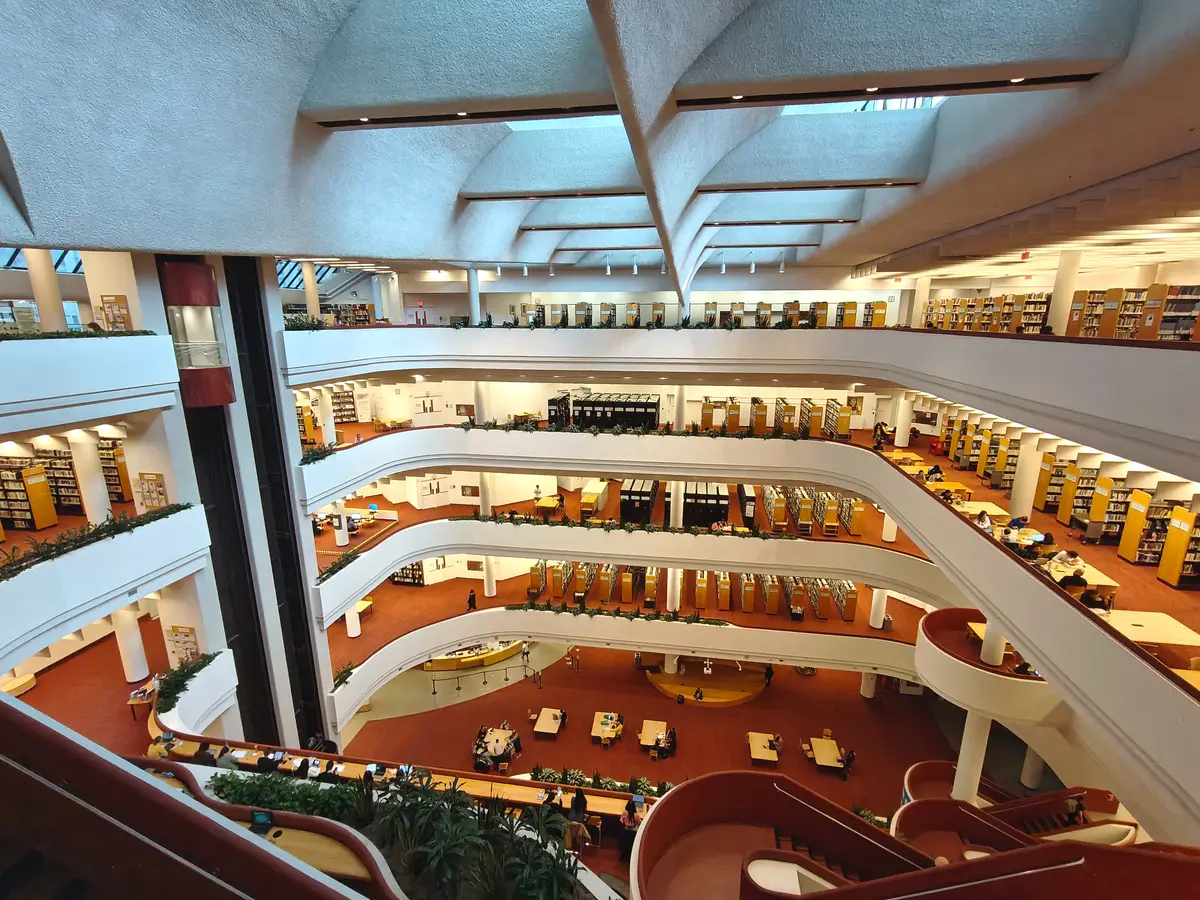
The atrium at North York Central Library.Raysonho / Wikimedia Commons / CC02
TPL says all of its hubs offer 3D printers and a variety of design software. TPL’s page says you can print toys, jewelry, phone cases and more, using ready-made designs from the web or your own.
New to it? TPL’s popular Introduction to 3D Printing class is hands-on, using the PrusaSlicer software that prepares your file for the printer. Hub classes are free, with registration required. TPL also notes minimal printing fees for 3D printers, so read the page for the details before you plan a big print.
These free-to-use studios provide equipment and software for audio and visual projects. TPL’s own examples are a podcast, a song, a professional headshot, a commercial or a school video. Its overview page lists studio mics, cameras and a green screen among the gear.
Nine branches have one: Agincourt, Albert Campbell, Albion, Fairview, Fort York, North York Central Library, Richview and Toronto Reference Library, with York Woods offering audio recording and editing only. These are rooms for production, not for working. TPL says they cannot be booked as a study space or for video conferencing, and that you edit your project on a hub computer.
Not ready to commit to a studio visit? TPL lends Arduino, AI Learning, Audio Recording and Raspberry Pi kits that you can take home. The library describes them as self-directed learning, a way to explore electronics, coding and digital audio at your own pace. It is a lovely first step if “I should learn to code” has been on your list since January.
The hubs offer Windows and Mac computers loaded with industry-standard and open-source design and creation software. You can reserve one online. Specialized in-library gear includes Wacom Cintiq graphic tablets, Arduinos and Raspberry Pis.
There is also scanning and digitization: high-resolution scans of photographs, artwork and design documents, or converting VHS tapes to digital files. Family tapes, meet your second life.
How do you get started?
Start with a class. TPL organizes hub programs by topic: 3D printing, audio editing, coding and robotics, image editing, sewing and embroidery, and video editing. They are free, and registration is required.
If your nearest branch has no hub, look for the Pop-Up Learning Labs. They travel to different branches with free, staff-led programs and classes. TPL’s programs page posts the monthly schedule.
A few tips from the Loop desk, all opinion. Pick one machine and one small project for your first visit. Check the branch page for notices before you go. And read the booking rules on the hub page for the equipment you want, because they differ from machine to machine.